“Preseria made it possible to handle 750 presentations over four days without any problems. Due to a well-made interface, stability and a seamless design we made the congress run perfectly. Thanks for a brilliant software!”

Døvre Event

Easily manage presentations and speakers to ensure smooth flow of presentations at your next conference or event.





“Preseria made it possible to handle 750 presentations over four days without any problems. Due to a well-made interface, stability and a seamless design we made the congress run perfectly. Thanks for a brilliant software!”
“We use Preseria in many of our major congresses/events and we are very pleased. Preseria is an effective tool for collecting presentations. It simplifies this process significantly for us as a technical supplier and for our customers.”

“We host over 100 seminars annually and we use Preseria because it simplifies the role of the organizer and because it facilitates running the speaker presentations professionally.”

“Preseria has assisted us in managing speaker presentations at our last five TCCS conferences – 150 presentations and 400 attendees. Their software is effective, and their representatives are available when we need them and efficient in their operations – all to our great satisfaction.”

“We’ve used Preseria for the past 3 editions of VivaTech to manage 400 pitch decks and we’re extremely happy with the solution as well as the service. We implemented the solution on all our Pitch Zones during the 3 days of VivaTech and it enabled us to save precious time.”

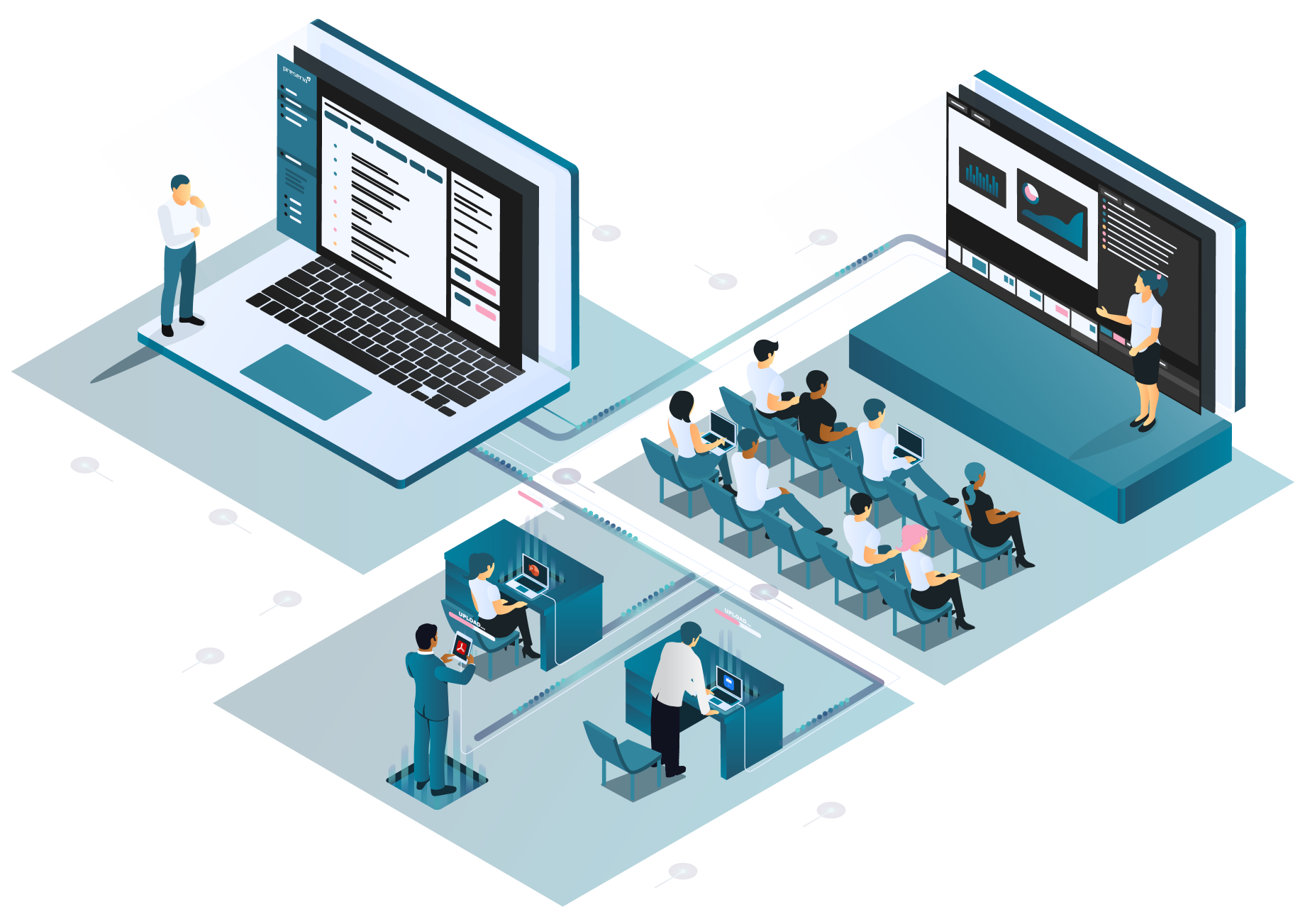
Intuitive and secure speaker upload portal for painless content gathering.
Import your conference agenda and generate personalized emails to presenters with a link to the secure upload portal. Assign deadlines to sessions and set up reminder emails.
Lightning fast upload, across the globe.
Files are automatically checked for errors.
Secure and intuitive user interface.
Easily track status of uploads and manage last minute changes seamlessly.
Use the dashboard of our presentation management software to maintain an overview of your whole conference. Message presenters, upload files, set deadlines and invite co-hosts to help you manage the whole event or just specific sessions.
Track uploads, set deadlines and send reminders.
Collaborate with your team and easily make adjustments.
Export all files into a downloadable zip bundle.
Presentation PDFs can be published automatically.
Seamless switching and always the latest files with the Preseria desktop app.
Seamlessly switch between different PowerPoint, PDF and video presentations. Make sure you always have the latest file available with our desktop app for Windows and macOS.
Lightning fast synchronization & downloads, across the globe.
Seamlessly switch and play presentation files from one computer.
Works in offline mode.